The Original Gay Porn Community - Free Gay Movies and Photos, Gay Porn Site Reviews and Adult Gay Forums


Guest viewing limit reached
- You have reached the maximum number of guest views allowed
- Please register below to remove this limitation
- Already a member? Click here to login
-
Welcome To Just Us Boys - The World's Largest Gay Message Board Community
In order to comply with recent US Supreme Court rulings regarding adult content, we will be making changes in the future to require that you log into your account to view adult content on the site.
If you do not have an account, please register.
REGISTER HERE - 100% FREE / We Will Never Sell Your InfoPLEASE READ: To register, turn off your VPN (iPhone users- disable iCloud); you can re-enable the VPN after registration. You must maintain an active email address on your account: disposable email addresses cannot be used to register.
You are using an out of date browser. It may not display this or other websites correctly.
You should upgrade or use an alternative browser.
You should upgrade or use an alternative browser.
Daddy of the Day, PART 2
- Thread starter WestCoastWilson
- Start date




worldinanewlight
On the Prowl
- Joined
- Oct 8, 2011
- Posts
- 140
- Reaction score
- 15
- Points
- 0
Tuesday.
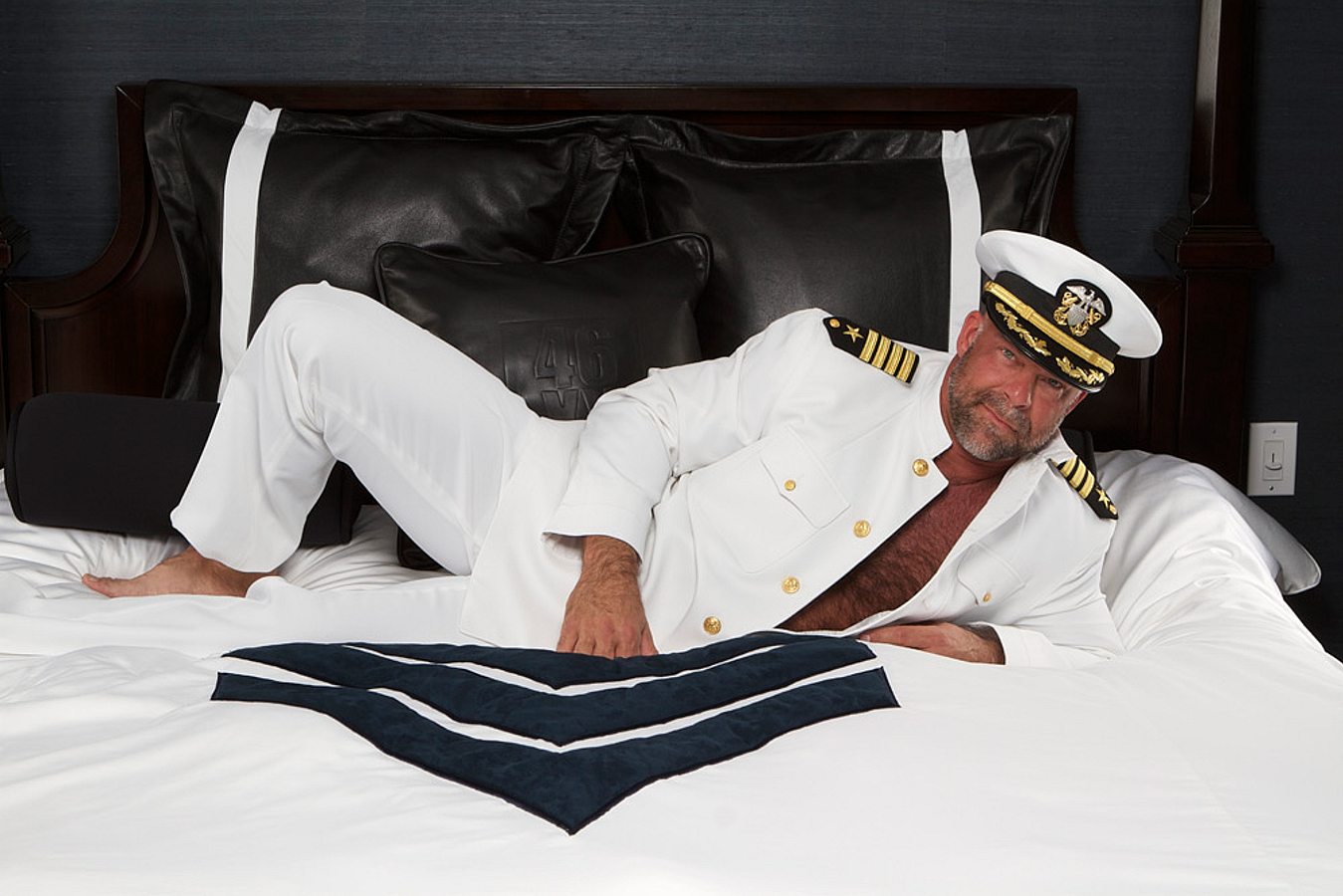
Oh shit, does anyone know if this is from a new video or just a photoshoot?? I love Zak Spears!

WestCoastWilson
JUB Addict
Wednesday.


WestCoastWilson
JUB Addict
Thursday.

seandacari
JUB Addict
Friday Daddy
WestCoastWilson
JUB Addict
Friday.
How do I make my pics look large when I upload them.. every time i do, it shows as an attachment (small)
BTW if you guys Google your JUB screen name in Google image.. it brings up every pic you ever uploaded or commented on in JUB..
BTW if you guys Google your JUB screen name in Google image.. it brings up every pic you ever uploaded or commented on in JUB..
WestCoastWilson
JUB Addict
How do I make my pics look large when I upload them.. every time i do, it shows as an attachment (small)
BTW if you guys Google your JustUsBoys screen name in Google image.. it brings up every pic you ever uploaded or commented on in JustUsBoys..
Neo-Maroc, you might want to ask your question in the JustUsBoys “Tech Talk” forum (link below).
Tech Talk
I’m sure that there is an easier way to attach and make posted photos larger than the way that I do them, but every since JustUsBoys changed their website format a few months ago, I try to avoid attaching photos to my post, because I find it too much trouble to make the attached photos larger than the thumbnail photo (I found this easier to do on the old JustUsBoys website format). Yet what I do is, once I attach a photo to my post, I have to post the photo with my original post, then click-on the thumbnail photo to make it large, then do a “save image location” (with my mouse), then I have to use the “edit” option in my post, then I have to type in “
I hope this information helps, Neo-Maroc.
Wilson
P.S. This is how I made your photo larger by doing what I explained above.


Neo-Maroc, you might want to ask your question in the JustUsBoys “Tech Talk” forum (link below).
Tech Talk
I’m sure that there is an easier way to attach and make posted photos larger than the way that I do them, but every since JustUsBoys changed their website format a few months ago, I try to avoid attaching photos to my post, because I find it too much trouble to make the attached photos larger than the thumbnail photo (I found this easier to do on the old JustUsBoys website format). Yet what I do is, once I attach a photo to my post, I have to post the photo with my original post, then click-on the thumbnail photo to make it large, then do a “save image location” (with my mouse), then I have to use the “edit” option in my post, then I have to type in “” (see example below), then hit the post button again, then the larger photo shows up as the large photo once I do it as an “edit”. Most of the times now, I try to do a “save image location” option wherever I find a photo (that I want to post in JustUsBoys), and try to avoid posting photos from my photo album, then I type a new post with the "![I] [B]](/proxy.php?image=http%3A%2F%2F%5B%2FB%5D+%5BI%5Dthen+insert+the+saved+image+location+information%5B%2FI%5D+%5BB%5D&hash=e9872da8c1be1fd88d93ccda93c9309e) "commands, while inserting the saved image location between those 2 commands (usually it is a link, with the photo address/location), and then presto! My large photo appears in the original post WITHOUT having to do an “edit”.
"commands, while inserting the saved image location between those 2 commands (usually it is a link, with the photo address/location), and then presto! My large photo appears in the original post WITHOUT having to do an “edit”.
I hope this information helps, Neo-Maroc.
Wilson
P.S. This is how I made your photo larger by doing what I explained above.
![I] [B]](/proxy.php?image=http%3A%2F%2F%5B%2FB%5D+%5BI%5Dhttp%3A%2F%2Fwww.+justusboys.com%2Fforum%2Fattachments%2Fbears-daddies-chasers-etc%2F835971d1340206826-daddy-day-part-2-hotdaddy.+jpg%5B%2FI%5D+%5BB%5D&hash=378088c34cb6785fa1a76170d20d62e8)
Thank you very much!! i will try it next time
Monday Daddy
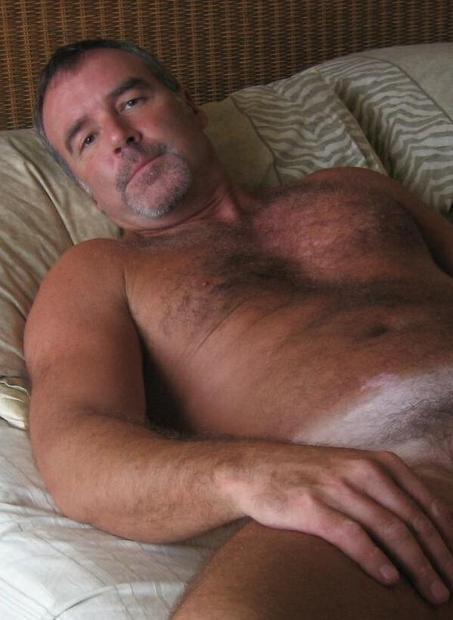
I found this on tumblr but if anyone knows where I can find a dick shot of him, you will be my new best friend!
Here you go seandacari
![tumblr_m5snxkQKq41qbtdcgo1_1280.jpg[IMG]](/proxy.php?image=http%3A%2F%2F25.media.tumblr.com%2Ftumblr_m5snxkQKq41qbtdcgo1_1280.jpg%5BIMG%5D&hash=9bba0e9d00ef66f4df90a2a477ceea0c)
seandacari
JUB Addict
Monday Daddy
I found this on tumblr but if anyone knows where I can find a dick shot of him, you will be my new best friend!
Nevermind, I found one. A soft one but I'll take it!

She Wants Revenge
Peak Gemini
Saturday 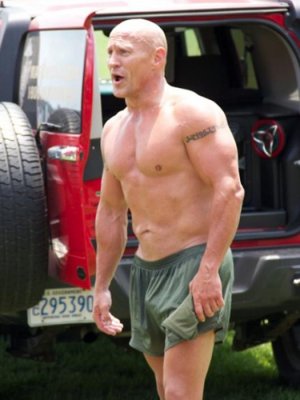
WestCoastWilson
JUB Addict
Saturday.


Donatello420
On the Prowl
- Joined
- Nov 9, 2010
- Posts
- 108
- Reaction score
- 5
- Points
- 0
Friday.
LOVE this man.


seandacari
JUB Addict
Sunday Daddy
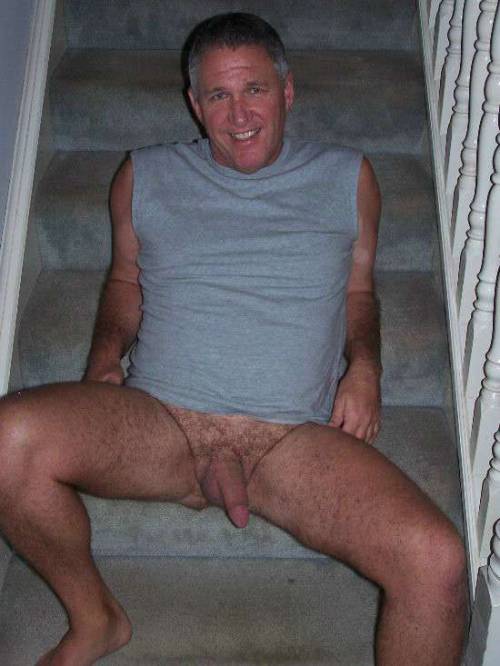
WestCoastWilson
JUB Addict
Sunday.