The Original Gay Porn Community - Free Gay Movies and Photos, Gay Porn Site Reviews and Adult Gay Forums

  • Welcome To Just Us Boys - The World's Largest Gay Message Board Community

    In order to comply with recent US Supreme Court rulings regarding adult content, we will be making changes in the future to require that you log into your account to view adult content on the site.
    If you do not have an account, please register.
    REGISTER HERE - 100% FREE / We Will Never Sell Your Info

    PLEASE READ: To register, turn off your VPN (iPhone users- disable iCloud); you can re-enable the VPN after registration. You must maintain an active email address on your account: disposable email addresses cannot be used to register.

Putting full size pictures in posts. Help!

dpnice

JUB 10k Club
Joined
Feb 21, 2005
Posts
14,109
Reaction score
5
Points
0
Okay I can add a thumbnail to a post.

I can place a full sized picture in the middle of a post by using photographs in my JUB Album.

But what I want to do is place a full sized picture in the middle of a post directly from my computer. Is this possible?

Brandon's tutorial is extremely clear on the subject but when I right click on a photograph stored on my computer and go to its Properties I don't get an address I can copy just where the photo can be found on my computer.

I have been told it is possible. :confused:
 
You have to upload the picture to a JUB folder. After you've done that, copy the link location of the picture by right clicking on it.

In your post/thread where you want it to show up, type: [ IMG ] ***your link*** [ / IMG] -with NO spaces.
 
borg69unimatrix

Yes that I know how to do. But according to Brandon's tutorial you can download a picture to a post directly from your computer without putting it in an album first.

That is what I want to know how to do, if possible.
 
borg69unimatrix

Yes that I know how to do. But according to Brandon's tutorial you can download a picture to a post directly from your computer without putting it in an album first.

That is what I want to know how to do, if possible.

I could be wrong, but I don't think that is possible? I think at the very least it has to go to your "attachments" folder. I don't believe posts have storage for files like that.

It may appear to do what you suggest using the "Go Advanced" button, but I think it sneakily routes you back to the attachments folder I suggested.
 
Benderboy Yes that is exactly what I want to do without all the hassle of downloading to an album first.

When I am posting I want to download a photo directly from my computer and find it full sized within my post.
 
Let's see if this works!


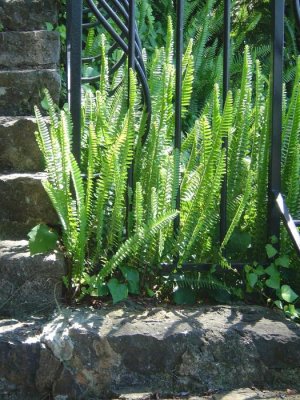
PeiraSanta 004.jpg


Well it seems I can get the photo into the middle of a post but how to get it full size?
 
This is the advice that Pat gave me. But after double clicking all I get are little white squares around the picture, no editing options.

"when you go advanced, the double A in the upper left corner should be hilited blue - click on it - that will convert the picture/frame to "WYSIWYG" What you see is what you get.
When the thumbnail picture resolves instead of the img bracket w/ a number, double click on it - in the edit frame, not the preview frame.

That will bring up the picture editing options."

PeiraSanta 004.jpg
 
attachment.php


I did this by downloading the photo from my computer into one of my JUB albums and then just copying and pasting the IMG address.

Obviously it works but I want to save all the trouble of first having to put any photo I want to post into an album.

Hope I am making myself clear.
 
if your using a picture from your computer without putting it in an album, you can click the [insert image] it looks like a framed tree picture.

1 choose the "from computer" option

2 click on "choose file"

3 pick the file you want to upload from your computer (open it)

4 click "upload"

5 now go advanced on your reply

6 click the a/a button to change editor mode, your attachment should now turn to a picture

7 double left click on the picture. change the option to full size picture.

now you'll have a full size picture in your post, without putting it in an album, and it also wont show a little attachment, even though it is in your attachment folder
 
alister Your instructions are clear until I get to "change the option for full size picture".

Now how do I do that? :(
 
BENDERBOY

It seems logical but when you say "copy the pic as usual, bring it here" where is the pic when you copy it?
 
Thanks for all the help so far even if I haven't yet succeeded in doing it correctly.

To calm down my frustration I have opened a rather nice bottle of Sancerre. I'll pick this up again later this evening as I must stop to prepare my evening meal. Rabbit in rosemary and mustard sauce. ..|
 
Benderboy's pics are not located on JUB - they are web addresses and do not have to be on his computer to show up here.

My understanding is that posting a pic from your computer involves having it and album or in your "attachments" collection, which is created when you add attachments to a specific post. Once you've done that in one post, you can simply copy the link location and skip the uploading step to use it again if you keep track of where it is.


If you're able to get the thumbnail posted, one way (but not the most efficient) that works is:

Preview your post. Click on the picture to open it to full size. Right click to get it's location and copy it. There should be an option that's something like "copy image location"

Paste that between the IMG codes you get when you click click on the yellow mountain icon - like others here described.
 
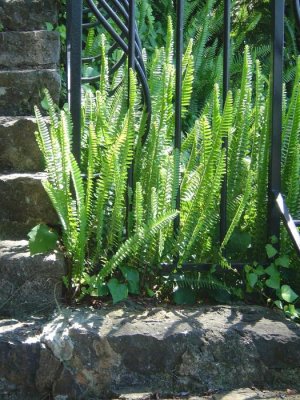
attachment.php


Let's see if this works.
 

Attachments

  • PeiraSanta 004.jpg
    PeiraSanta 004.jpg
    108 KB · Views: 138
Benderboy's pics are not located on JUB - they are web addresses and do not have to be on his computer to show up here.

My understanding is that posting a pic from your computer involves having it and album or in your "attachments" collection, which is created when you add attachments to a specific post. Once you've done that in one post, you can simply copy the link location and skip the uploading step to use it again if you keep track of where it is.


If you're able to get the thumbnail posted, one way (but not the most efficient) that works is:

Preview your post. Click on the picture to open it to full size. Right click to get it's location and copy it. There should be an option that's something like "copy image location"

Paste that between the IMG codes you get when you click click on the yellow mountain icon - like others here described.

Thanks that was crystal clear. I still have the thumbnail but at least the full sized picture is in the post. (!)

You have just become my favourite member of JUB. (*8*)
 
How alister described is, is the new "correct" way. Not sure why it doesn't seem to work for you. But all other methods are valid as well ..|
 
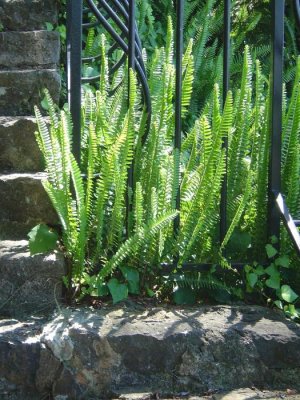
attachment.php


Just checking to see if I have understood how to do it.
 

Attachments

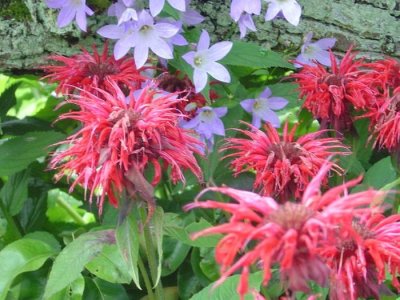
  • Summer09 036.jpg
    Summer09 036.jpg
    74.7 KB · Views: 117
Back
Top